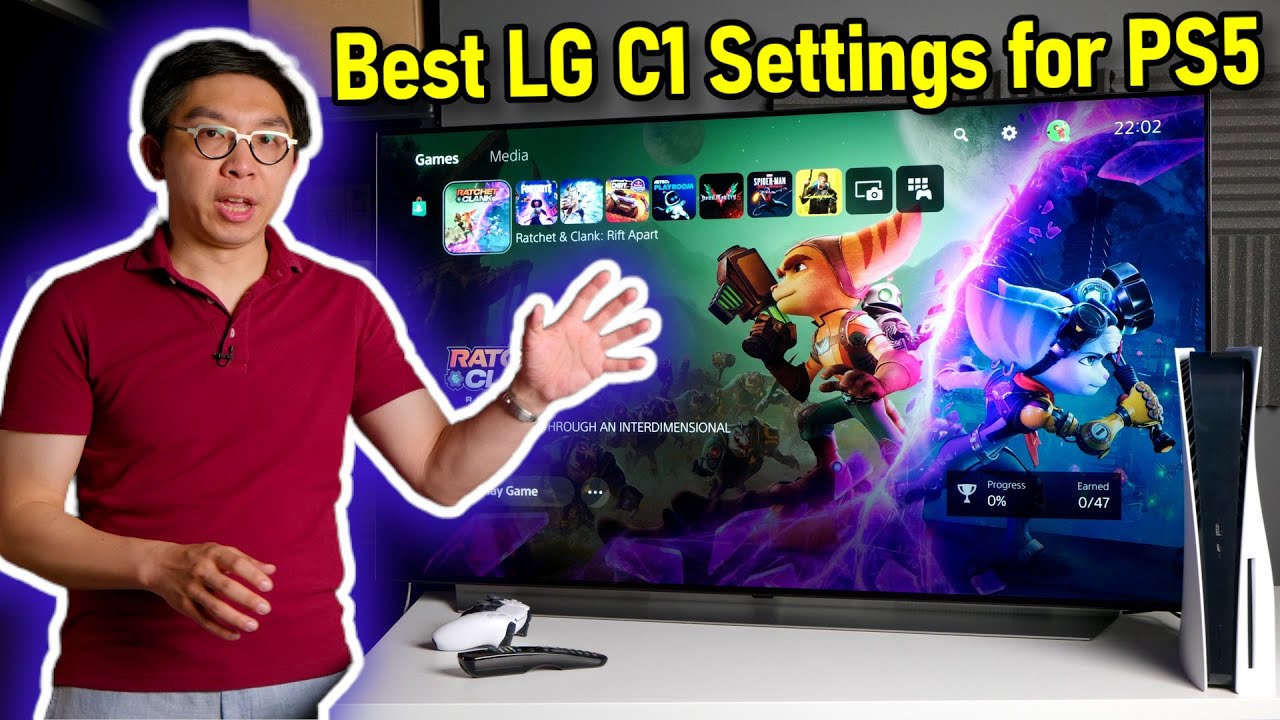
We go through our best recommended LG C1 [Game Optimiser] mode settings for PS5 gaming. To potentially win $20,000 to Build Your Perfect PC and support a great cause, go to
Timestamps:
===========
0:00 Best LG C1 settings for PS5 step-by-step intro
1:26 Calibration equipment used to obtain recommended settings
3:09 Best SDR settings
8:39 Best HDR settings
9:14 Why you should use [HDR Tone Mapping] “HGiG”
11:37 Best PS5 settings
12:40 How to set the correct [Adjust HDR] HGiG parameters
14:44 Why we prefer to set [RGB Range] to “Automatic”
19:02 What are the best [Game Optimiser] menu settings
This video was graded & uploaded in HDR, but because Youtube takes a long time to process a 22-minute 2160p video for HDR presentation, it may temporarily only be available to watch in SDR.
The “Includes Paid Promotion” message in this video refers to the sponsorship by Omaze.
========================
**Click Below to SUBSCRIBE for More Reviews, Sneak Peeks & Tips:
========================
VISIT HDTV Test
FOLLOW US!