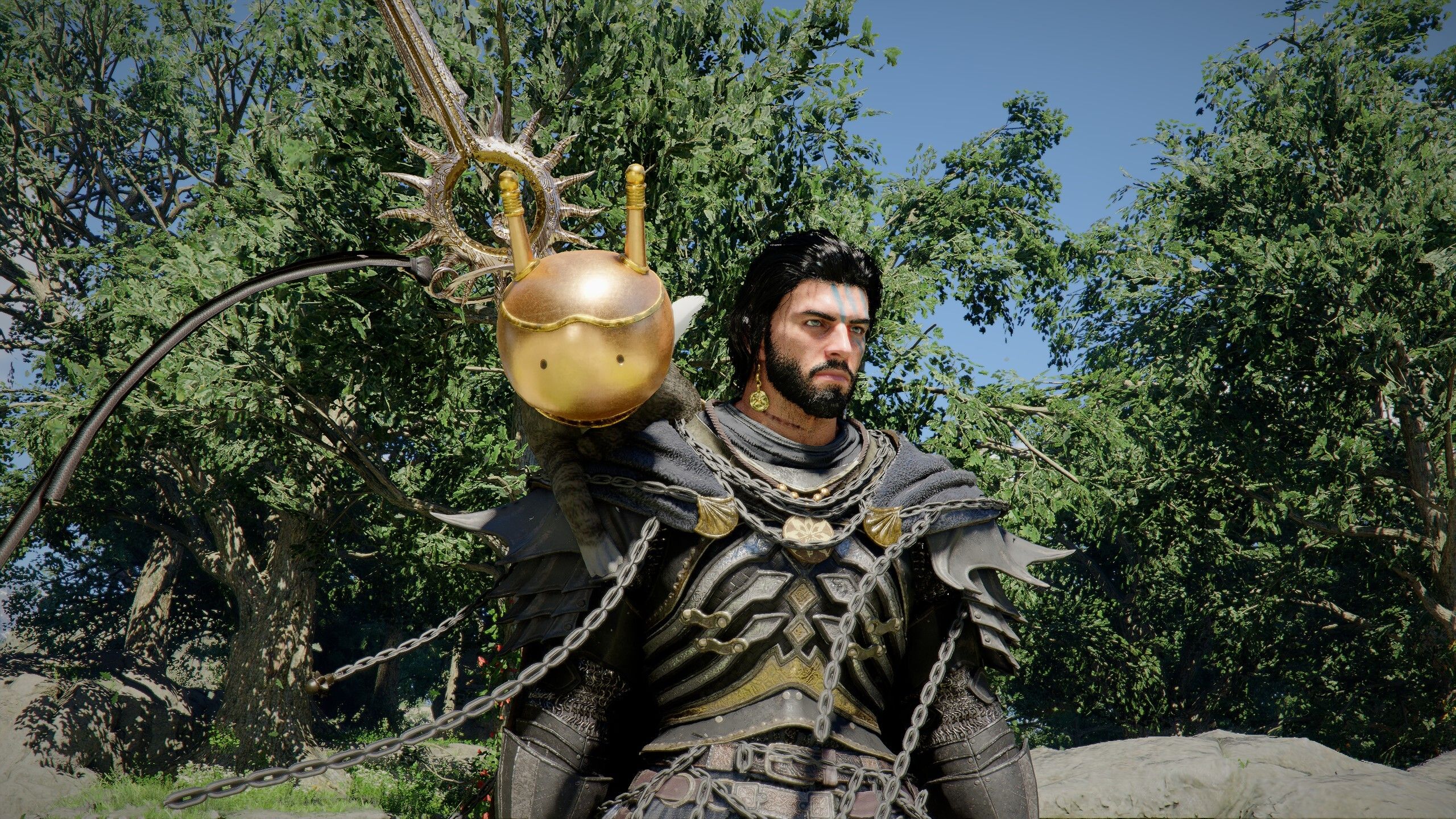
Better Shader Optimization for Mafia Old Country at Mafia: The Old Country Nexus
August 13, 2025
About this mod
Better Shader Optimization and Improved FPS for Old Country
Permissions and credits
Credits and distribution permission
Other user’s assets This author has not specified whether they have used assets from other authors or not
Upload permission You are not allowed to upload this file to other sites under any circumstances
Modification permission You must get permission from me before you are allowed to modify my files to improve it
Conversion permission You are not allowed to convert this file to work on other games under any circumstances
Asset use permission You must get permission from me before you are allowed to use any of the assets in this file
Asset use permission in mods/files that are being sold You are not allowed to use assets from this file in any mods/files that are being sold, for money, on Steam Workshop or other platforms
Asset use permission in mods/files that earn donation points You are allowed to earn Donation Points for your mods if they use my assets
Author notes
This author has not provided any additional notes regarding file permissions
File credits
This author has not credited anyone else in this file
Donation Points system
Please log in to find out whether this mod is receiving Donation Points
What does this mod do?
-Simply improve the optimization for Old Country while giving you an additional FPS boost with no performance issues.
*Example I’m running a 4080Super with I-9 Processor and 64GB Ram. *with max settings and DLSS set to quality, I was previously ranging from 100-110 fps. *Now I’m clocking around 130 FPS with better optimization -I was hoping this would aid in the fatal error, but unfortunately that is still an issue. -After you install mod, you will see the a loading screen with shaders being loaded
INSTALLATION:
Copy and Paste to the following: C:\Users\YourName\AppData\Local\MafiaTheOldCountry\Saved\Config\Windows
Replace!
*Note if you’re game is suddenly stretched for widescreen, simply change back to your resolution in-game options. i play on a 3440×1440 monitor, and that was part of my settings.
We use cookies on our website to give you the most relevant experience by remembering your preferences and repeat visits. By clicking “Accept”, you consent to the use of ALL the cookies.
This website uses cookies to improve your experience while you navigate through the website. Out of these, the cookies that are categorized as necessary are stored on your browser as they are essential for the working of basic functionalities of the website. We also use third-party cookies that help us analyze and understand how you use this website. These cookies will be stored in your browser only with your consent. You also have the option to opt-out of these cookies. But opting out of some of these cookies may affect your browsing experience.
Necessary cookies are absolutely essential for the website to function properly. These cookies ensure basic functionalities and security features of the website, anonymously.
Cookie
Duration
Description
cookielawinfo-checkbox-analytics
11 months
This cookie is set by GDPR Cookie Consent plugin. The cookie is used to store the user consent for the cookies in the category "Analytics".
cookielawinfo-checkbox-functional
11 months
The cookie is set by GDPR cookie consent to record the user consent for the cookies in the category "Functional".
cookielawinfo-checkbox-necessary
11 months
This cookie is set by GDPR Cookie Consent plugin. The cookies is used to store the user consent for the cookies in the category "Necessary".
cookielawinfo-checkbox-others
11 months
This cookie is set by GDPR Cookie Consent plugin. The cookie is used to store the user consent for the cookies in the category "Other.
cookielawinfo-checkbox-performance
11 months
This cookie is set by GDPR Cookie Consent plugin. The cookie is used to store the user consent for the cookies in the category "Performance".
viewed_cookie_policy
11 months
The cookie is set by the GDPR Cookie Consent plugin and is used to store whether or not user has consented to the use of cookies. It does not store any personal data.
Functional cookies help to perform certain functionalities like sharing the content of the website on social media platforms, collect feedbacks, and other third-party features.
Performance cookies are used to understand and analyze the key performance indexes of the website which helps in delivering a better user experience for the visitors.
Analytical cookies are used to understand how visitors interact with the website. These cookies help provide information on metrics the number of visitors, bounce rate, traffic source, etc.
Advertisement cookies are used to provide visitors with relevant ads and marketing campaigns. These cookies track visitors across websites and collect information to provide customized ads.