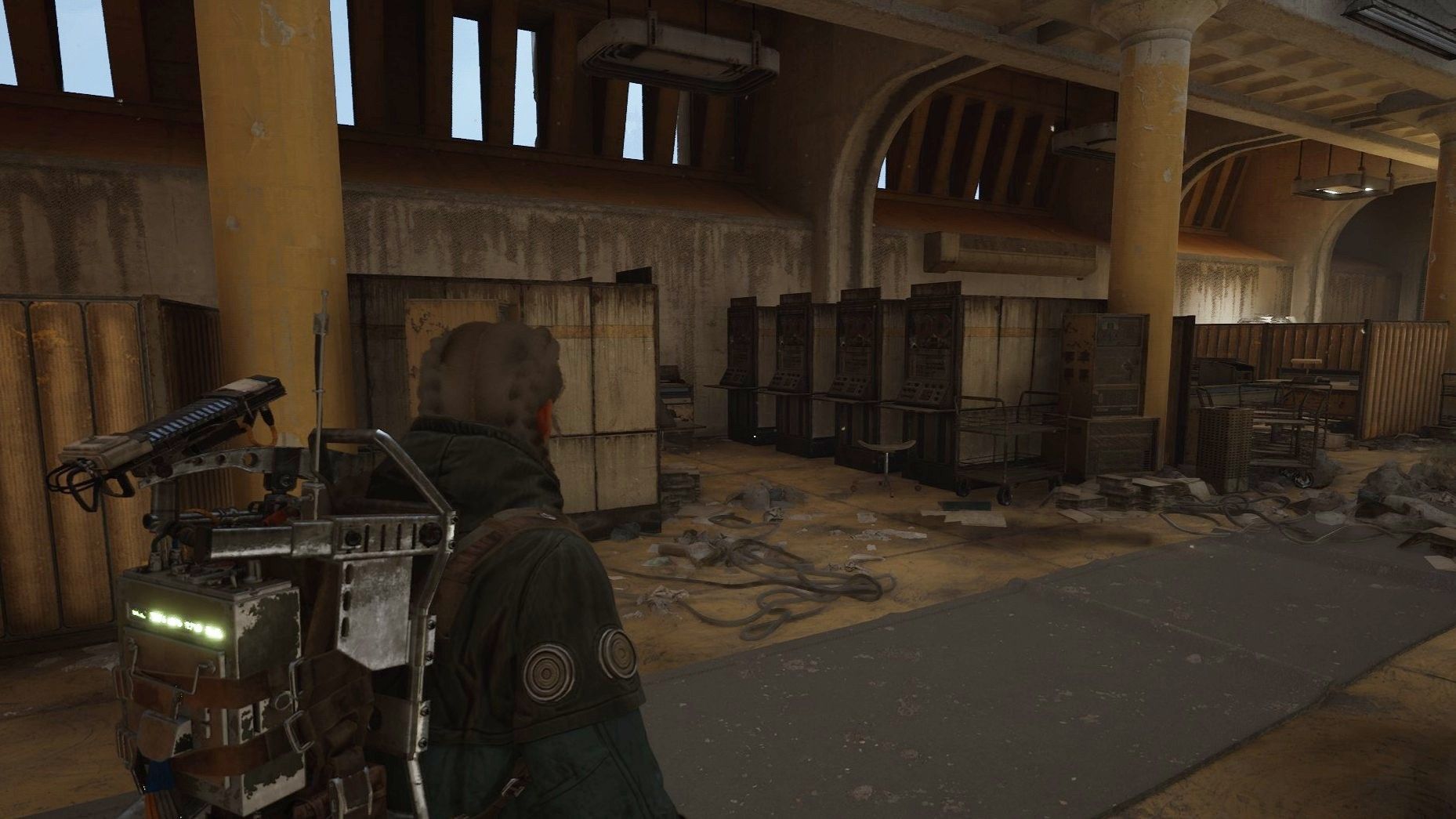
The Deciphering the Data quest in Arc Raiders is arguably one of the easiest they added with the new Cold Snap update, but you might still get tripped up by the second part of it. Initially, you’ll have to head to the Spaceport and use the Magnetic Decryptor to interact with a terminal in Fuel Control. Easy enough, but after that terminal fails, you’ll have to locate another in the Arrival Building, which is much more tucked away.
Feel free to bring a free loadout to this one considering you don’t need to extract anything. Otherwise, here’s how to complete Deciphering the Data and where to find the two terminals at which you can use the Magnetic Decryptor.
Use the Magnetic Decryptor in the Fuel Control Building
Your first step is to head to Fuel Control near the centre of Spaceport, just east of the Launch Towers and right next door to Rocket Assembly, where there’s a terminal you’ll need to interact with.
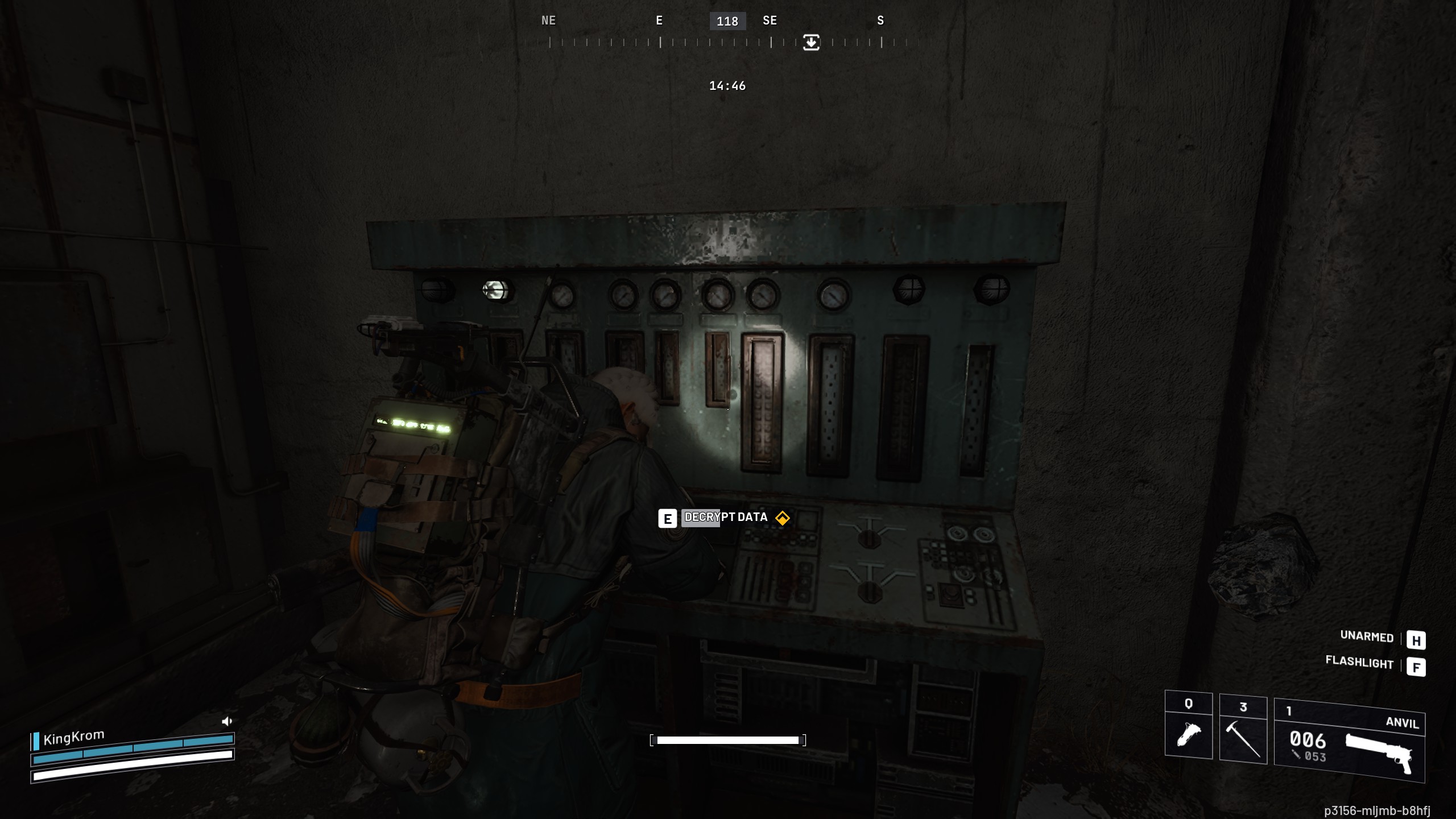
To find the specific terminal you need to:
- Enter the Fuel Control Building from the southwest (if it’s the right door, you’ll see “Fuel Control, authorised personnel only” to the left of it)
- Head to the far end of the room to find a green terminal, pictured above, that you can interact with.
Unfortunately, the terminal will break, and you’ll get a new objective to hoof it to the west to find the Arrival Building.
Use the Magnetic Decryptor on the top floor of the Arrival Building
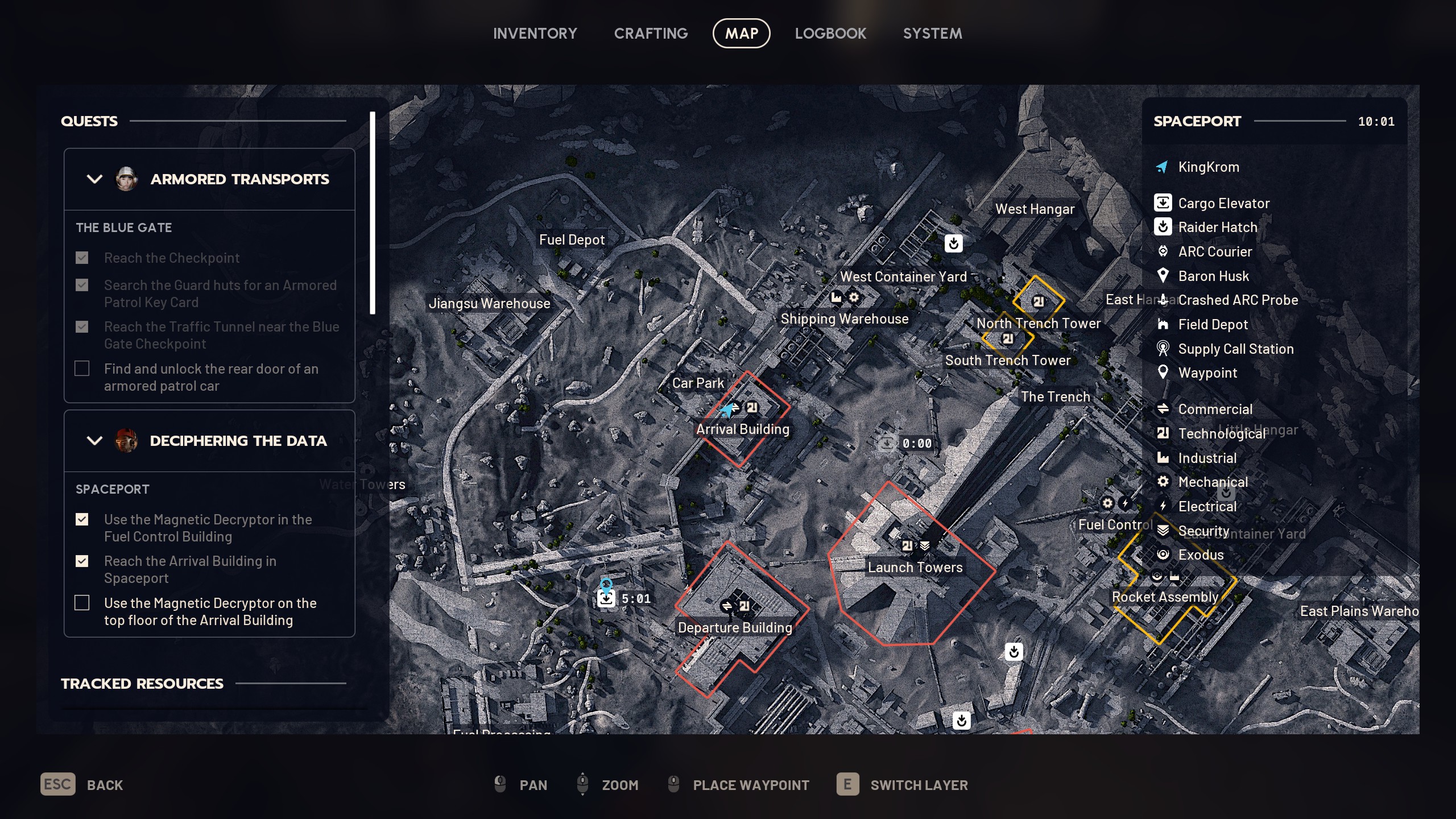
You now need to head to the Arrival Building, to the west of Fuel Control past the Launch Towers. When you enter, head up to the top floor offices and circle around until you’re on the west side, where you’ll spot these two rows of machines, pictured below, tucked between a couple of pillars and the other office cubicles.
Image 1 of 2
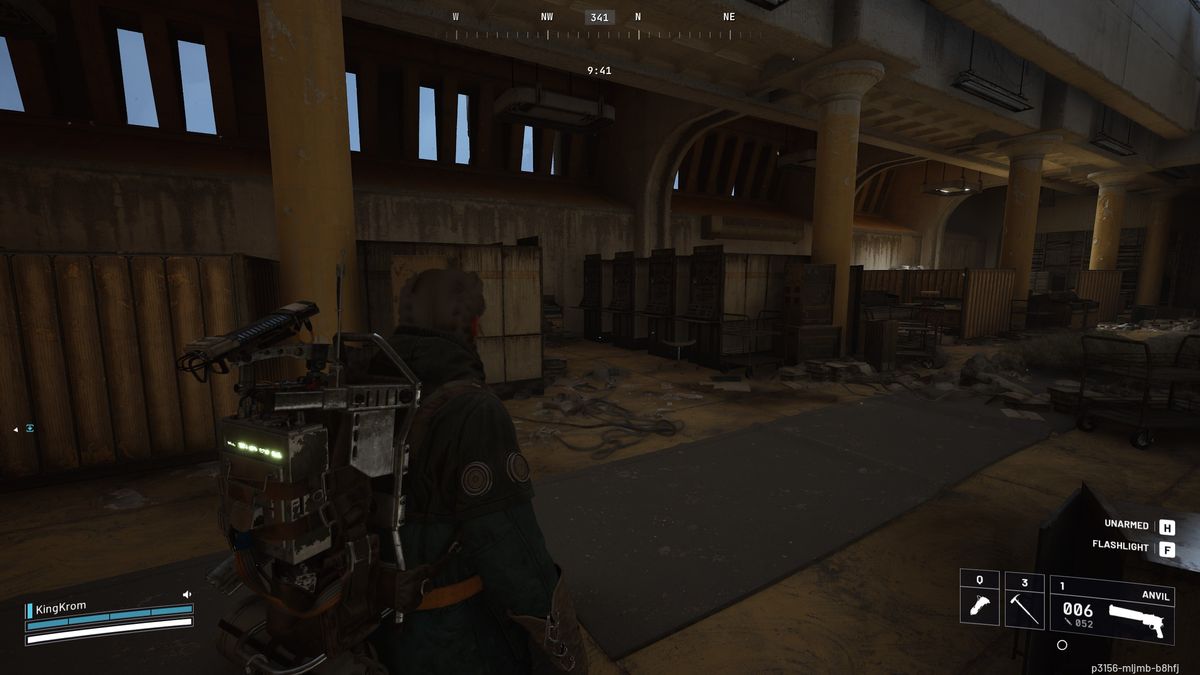
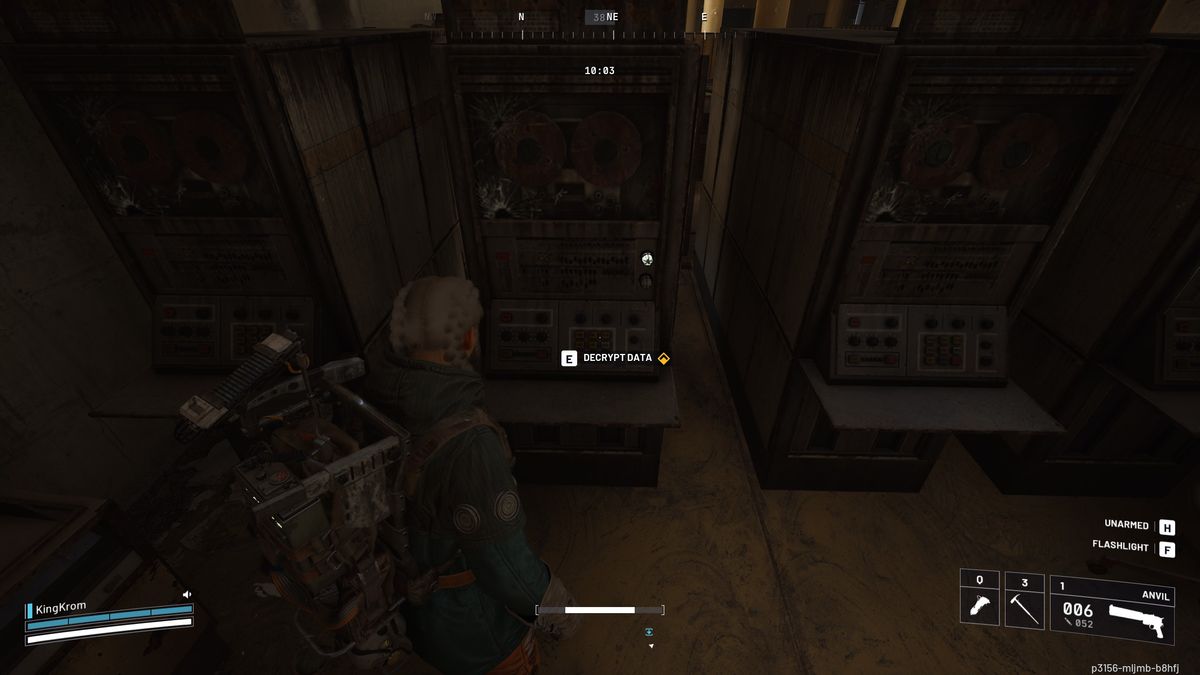
Head between these two rows and look to your right to find the yellow-marked terminal you need to interact with. Doing so will decrypt the data and complete the quest.