In a vibrant life sim like Heartopia, home plots are a hot commodity. Unlocking them allows you to expand your house and garden, giving you more room to farm, build, and customize your little home. You can place planters to grow crops, decorate to display your true style, and even construct new buildings or extensions to your house.
But, of course, your cozy little corner starts off quite small, and you have to put in some work if you want to expand it. Luckily, we’re here to help, as we’ve put together this handy guide on how to unlock home plots in Heartopia. After that, all that’s left to do is get to decorating – and our list of all the new Heartopia codes can help you there, too!
What are Heartopia plots?
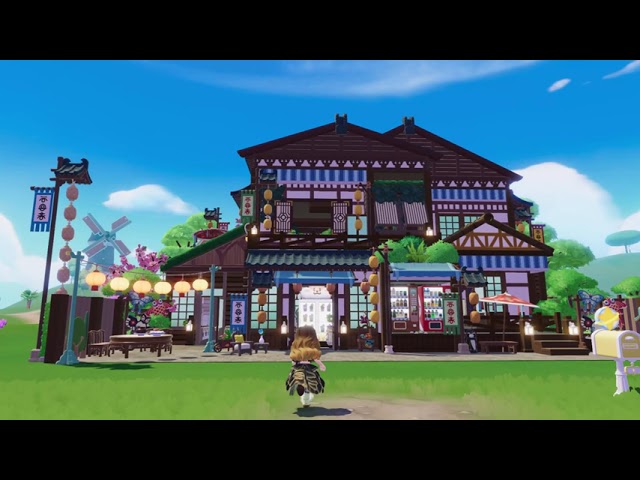
As the name suggests, Heartopia home plots are plots of land around your home. You start off with just two, but there are a total of eight plots that you can unlock, and each one is 8×5 in size.
When you unlock a new plot, not only does it give you more space to place building materials and furniture, but it also increases your load limit. This means that the total number of pieces you can place in and around your home also increases, allowing much more room for customization.
How do I unlock Heartopia home plots?
You can unlock Heartopia plots through the D.G. Member’s Guild, which you join pretty early in the game by simply following the main story quests. You unlock the first two plots pretty much right away (as soon as you get your house), but in order to unlock more, you must raise your D.G. Member level.
You can do this by completing quests that reward you with contribution medals, such as the daily Resident Requests. Keep in mind that plots also cost gold, though.
Once you’ve met the required D.G. Member level, you can follow these steps to unlock Heartopia home plots:
- Open your phone by tapping the phone icon in the top-right corner of the screen
- Go to D.G. Member’s Guild
- Tap on the icon with four squares in the top-right corner, next to the house icon
- Select the plot you want to unlock
- Tip: locked plots have a lock icon over them. If the lock is stationary, you haven’t reached the unlock requirements for that specific plot. However, if the lock is shaking, it means that you can unlock it!
- Tap the yellow acorn icon to pay the required gold and unlock the plot
You can only unlock plots in a specific order as you level up your D.G. member level, starting with the ones to the left of your house.
What are the Heartopia plot unlock requirements?
As mentioned above, you unlock more plots when you increase your D.G. Member level, but not every level increases your plot limit.
Here are each of the D.G. Member levels that allow you to unlock more Heartopia home plots:
- D.G. Member Lv.4 – available plots increase from two to four
- D.G. Member Lv.6 – available plots increase from four to five
- D.G. Member Lv.8 – available plots increase from five to six
- D.G. Member Lv.11 – available plots increase from six to seven
- D.G. Member Lv.14 – available plots increase from seven to eight
You can view the total number of plots that you can currently unlock by checking the ‘plot limit’ at the top of the D.G. Member’s Guild plot page.