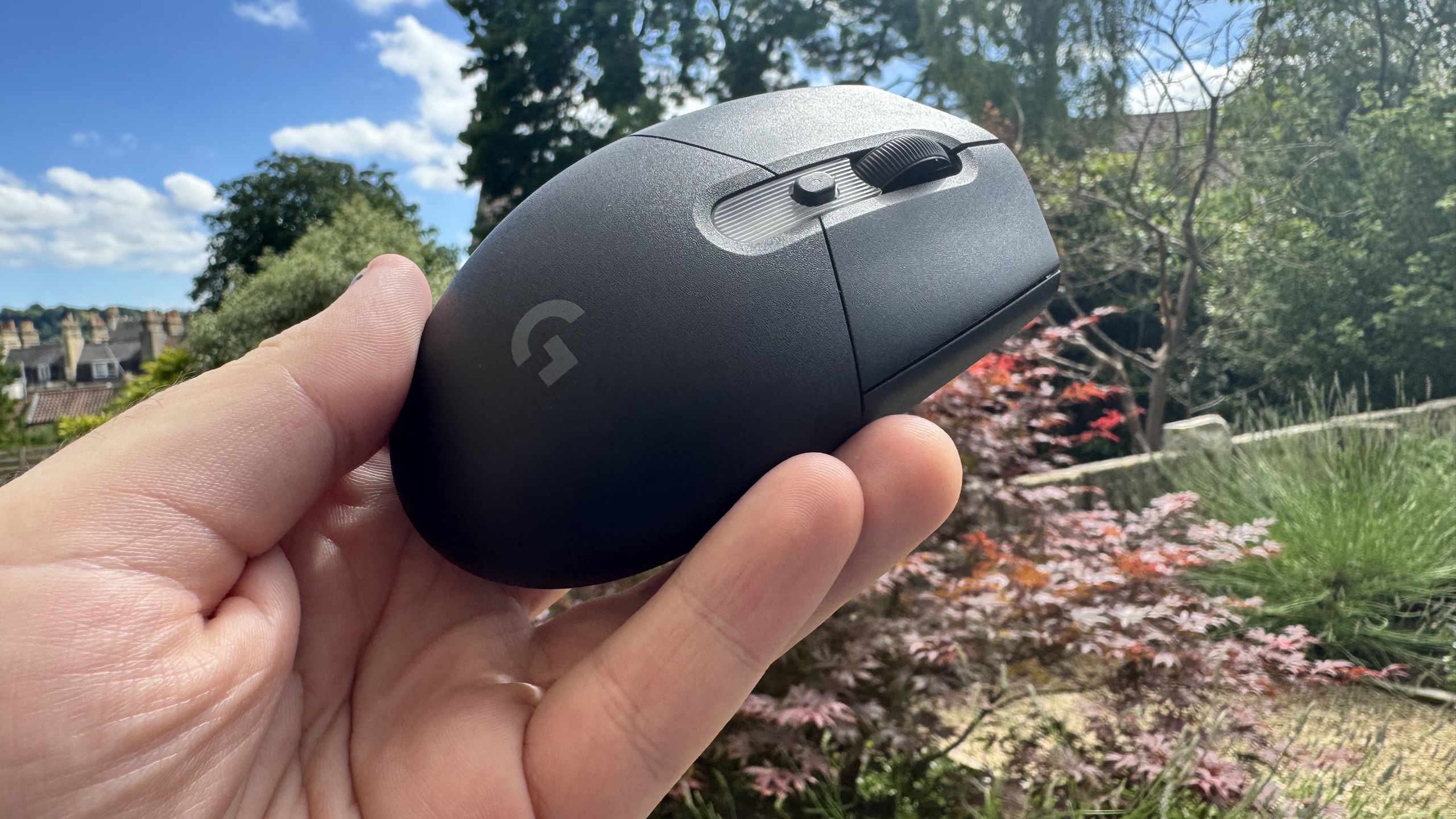
For years, Logitech’s egg-shaped G305 has been a budget beast, offering a comfortable feel, decent sensor, and solid shape at a reasonable price. It was so good, in fact, that it was our pick for the best budget wireless gaming mouse until the copycat Mchose G3 V2 Pro showed up. Incredibly, it claimed a spot on top of the budget gaming mouse hill for eight entire years.
Almost as if it were perturbed for losing that spot, Logitech has just launched a refresh, the G305 X Superlight, with an upgraded sensor and ever so slightly different look. Now it’s got RGB that shines through a translucent patch in the base, to match the look of the G316 X 98 gaming keyboard.
But, in return for those upgrades, you are paying more money now, so it doesn’t just need to be better to actually be better. It instead needs to be better for the money. Okay, I’ll stop saying “be better”.

That’s all before mentioning that, like almost every bit of PC gaming gear, the competition has gotten fierce over the years. Logitech doesn’t just need to compete with itself; it has to throw hands with a dozen other mouse brands to come out victorious.
Logitech G305 X Superlight specs
Sensor: Hero 44K
Connectivity: Wired (USB Type-C), wireless (2.4 GHz and Bluetooth)
Switches: Not stated
Polling rate: 1,000 Hz (up to 8,000 Hz with optional dongle)
DPI: 44,000
Acceleration: 40 G
Speed: 678 IPS
RGB: Yes
Weight: 59 g
Battery life: 130 Hours
Price: $80 | £70
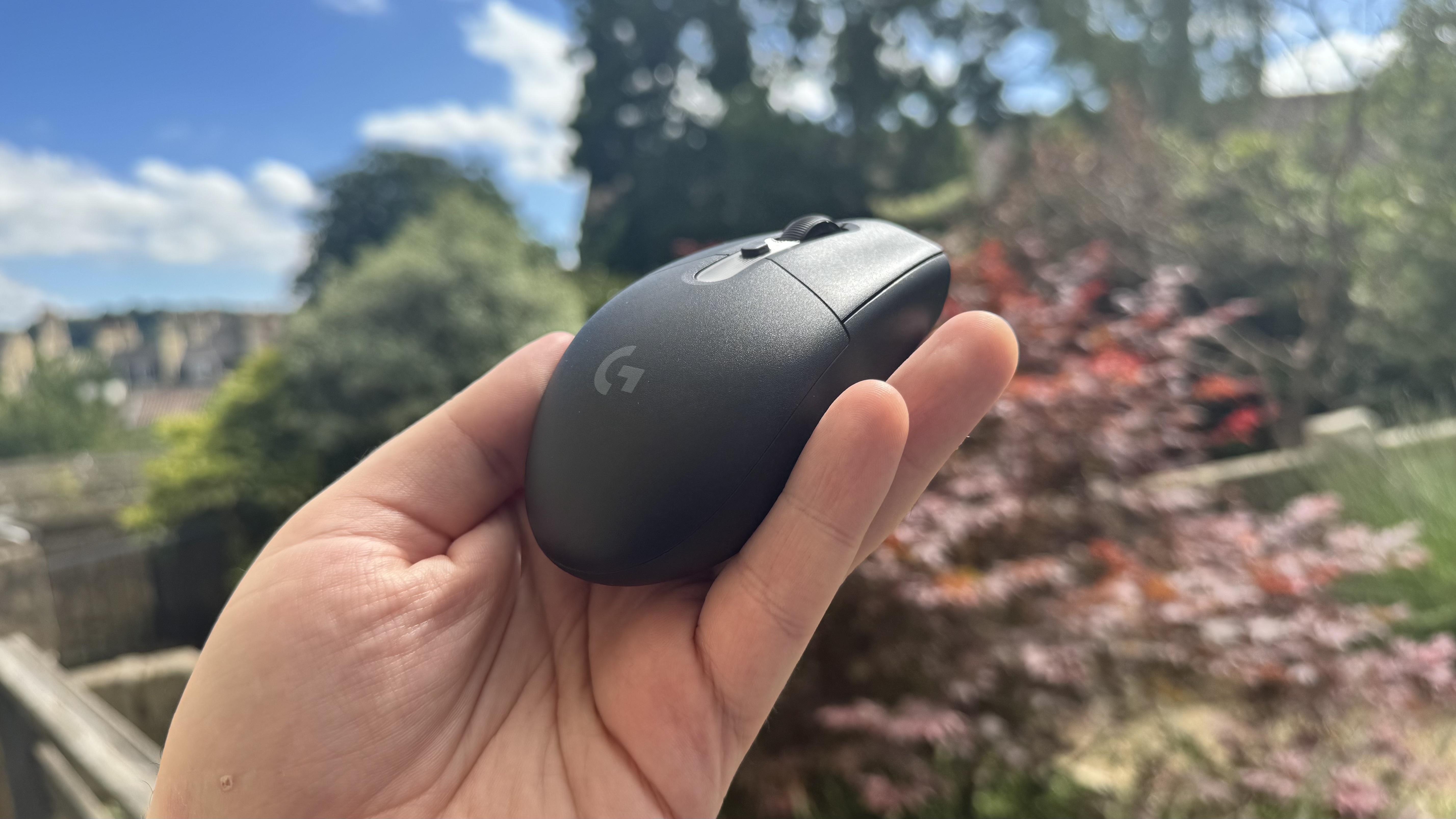
At 59 grams, the G305 X Superlight has a pleasant feel to it. It’s not very weighty at all, but there’s certainly enough that it gives some resistance as I use it. The skates give resistance, too, and I’m not a fan of them. They catch just a little, sticking more to my mouse pad than I’d like. It definitely feels like more of a subjective thing, but I would like a light mouse to glide more in use, especially in snappy first-person shooters.
As well as this, I can hear a defined scratching sound with the mouse skates (we had the same problem with the Protoarc EM25 recently), which doesn’t appear to do damage but can be quite annoying. Once I really started to take note of it, the mouse actively annoyed me, which is a bad sign for long-term use.
I even found myself cautious of making wide motions because it was loud enough to distract. You should be able to fix this by replacing the skates with after-market ones, but that’s something you really don’t want to have to do with a mouse just to get it feeling okay, especially a budget one.
Image 1 of 5
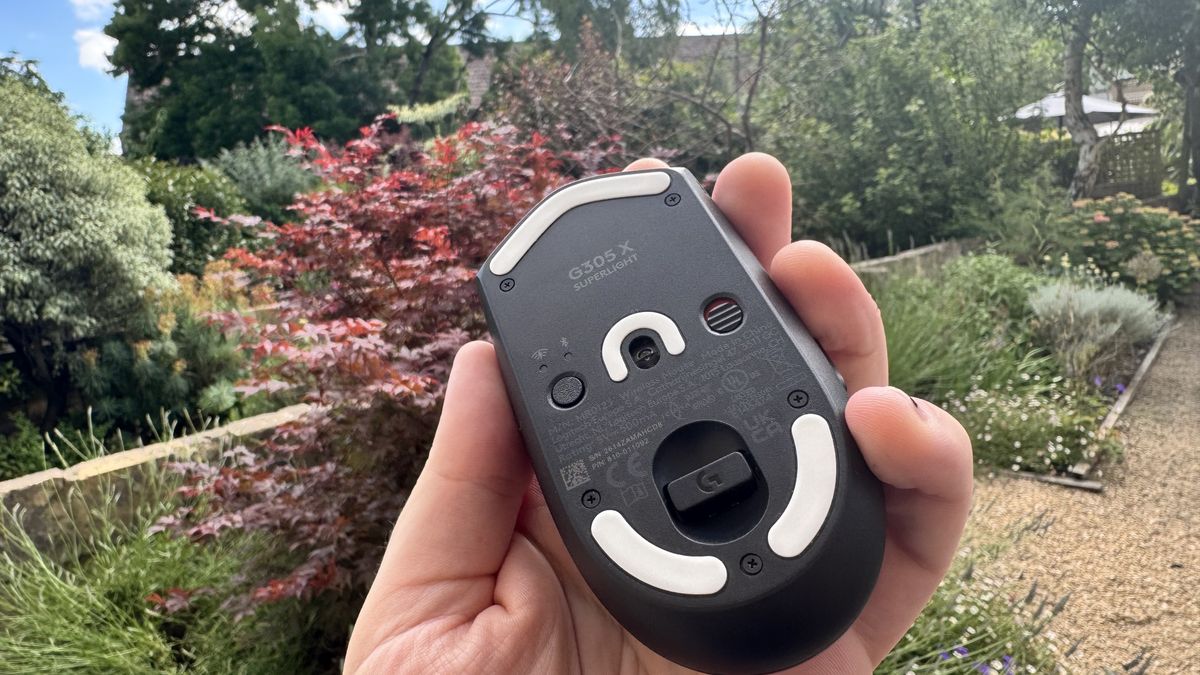
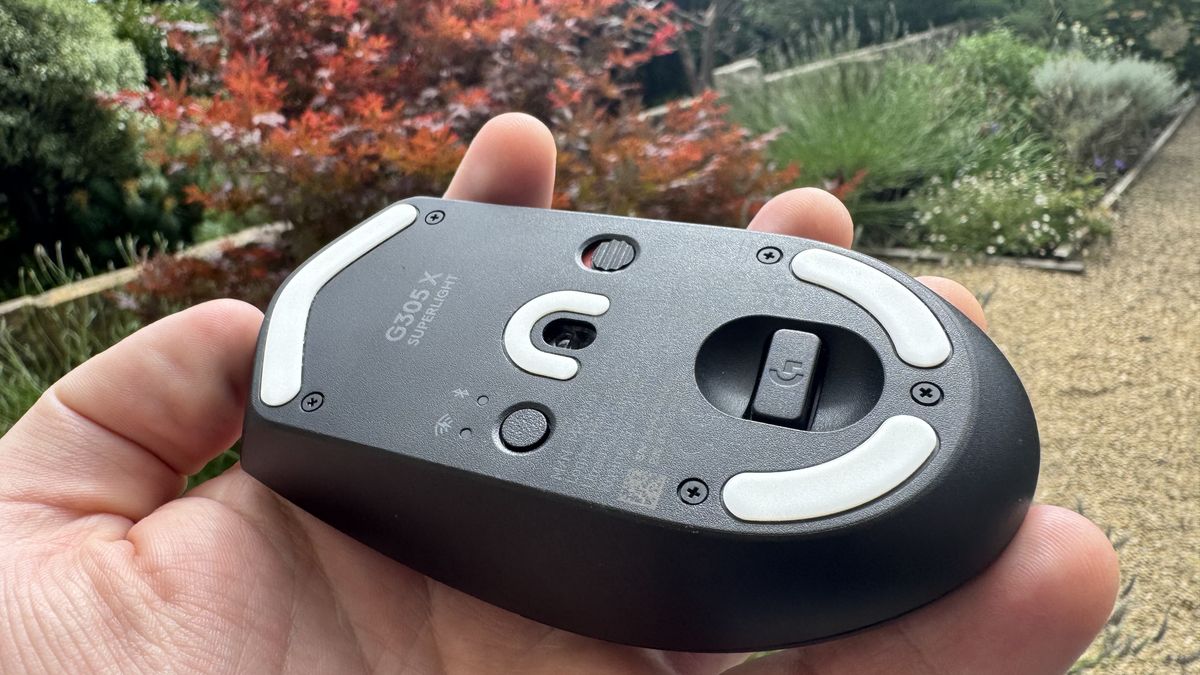
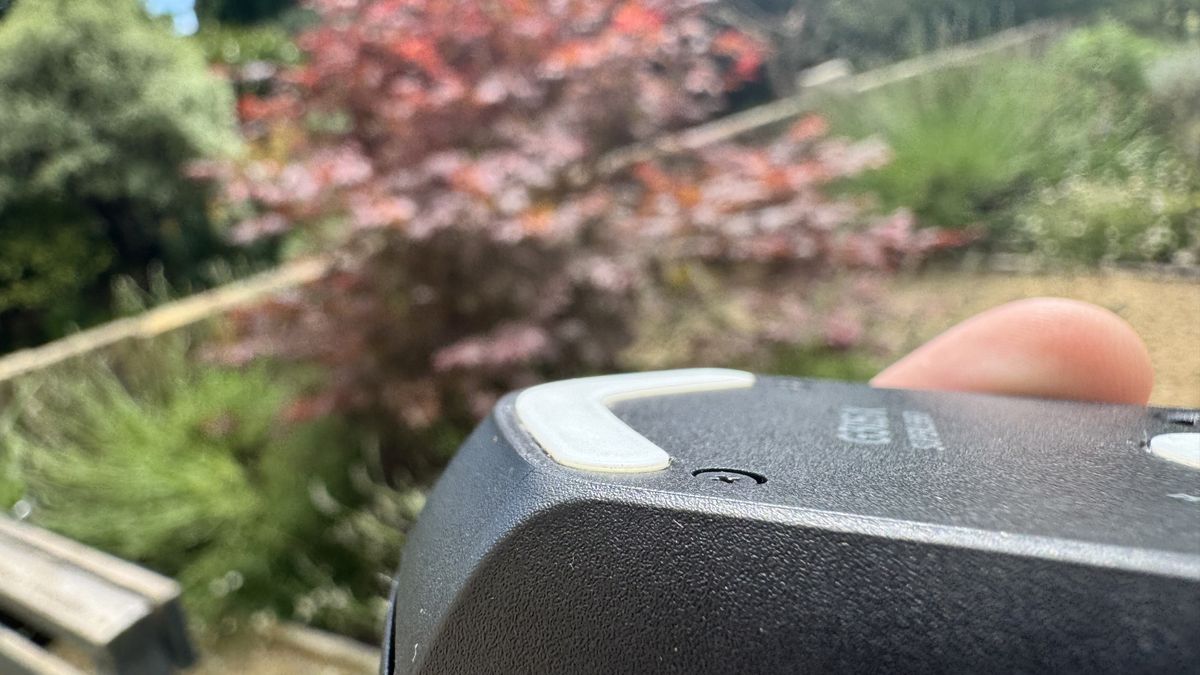
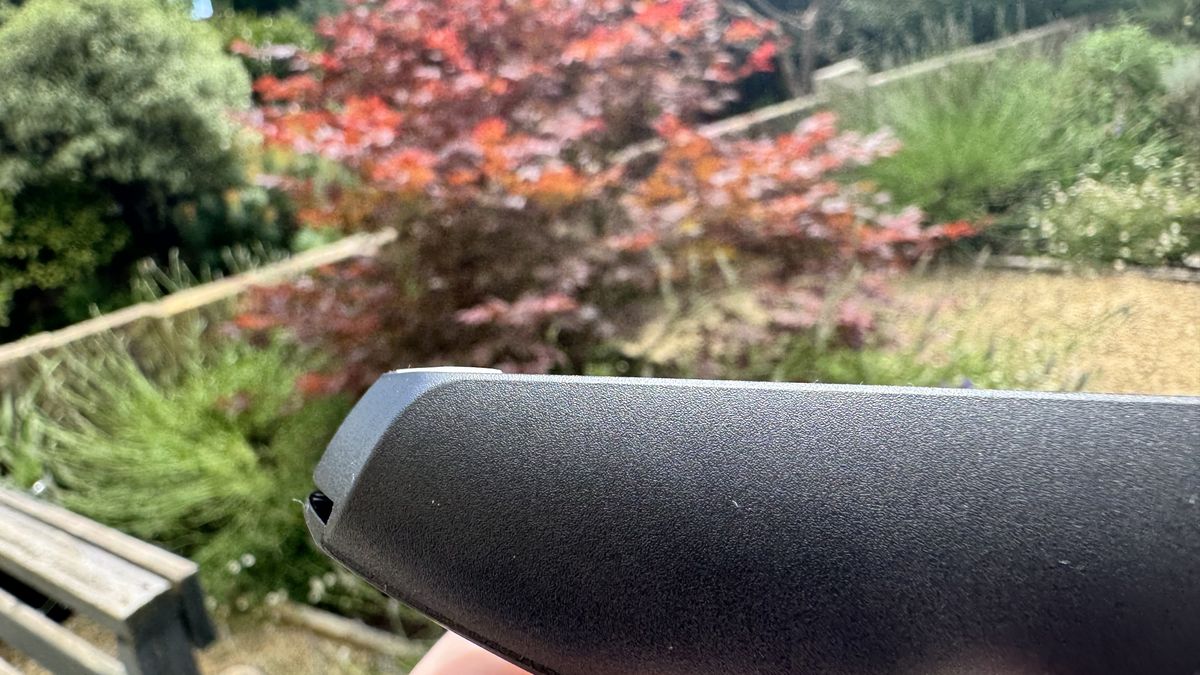
One thing that I do appreciate about this mouse is its tiny visible screws on the bottom. You can get in there and replace the battery, should you want to, and easy access is a good thing, as far as repairability is concerned.
Speaking of internals, Logitech’s Hero sensor is still potent. You are getting a max DPI of 44,000 here, and it’s snappy and responsive enough to handle high DPIs well. It also technically supports 8,000 Hz polling, but you have to buy an optional receiver to actually use that. If doing this means getting a cheaper mouse, I actually think making 8,000 optional is a fairly smart play. It’s a niche polling rate that most won’t see the benefit of.
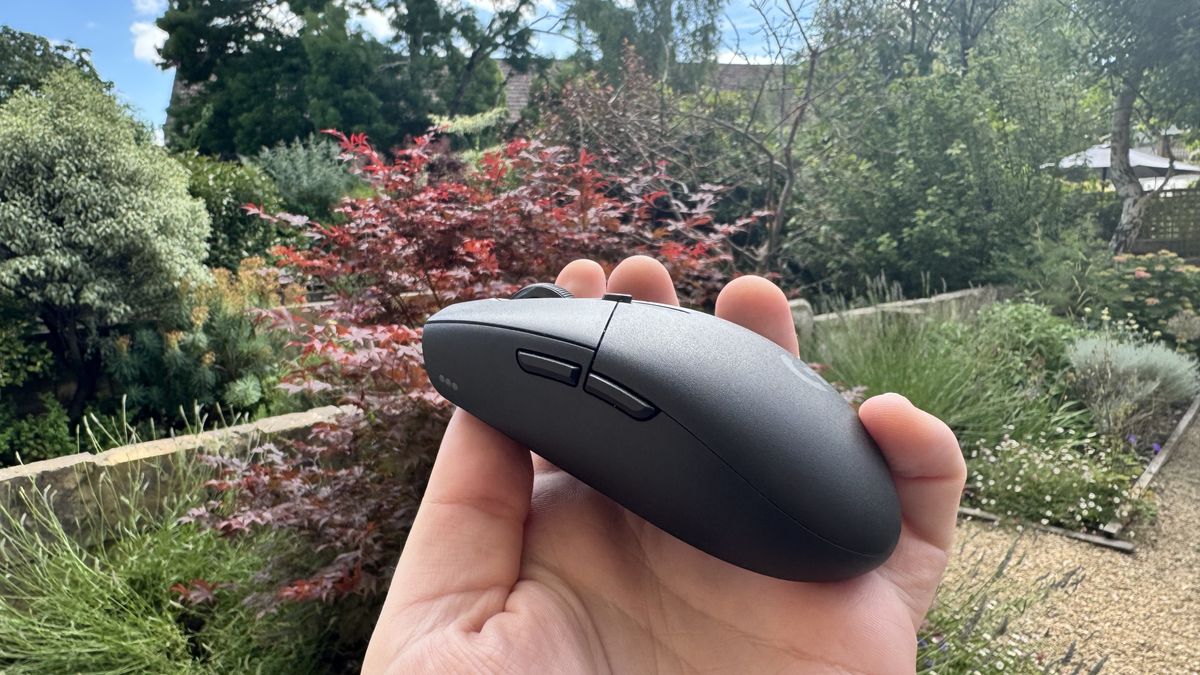
In shooter Mouse: PI for Hire, I had no problems blasting away all the baddies, and the easy-to-access DPI switch on the top of the mouse means I can flit between sensitivities with ease. The switches are satisfying to click and produce a rather loud noise in response.
Image 1 of 3
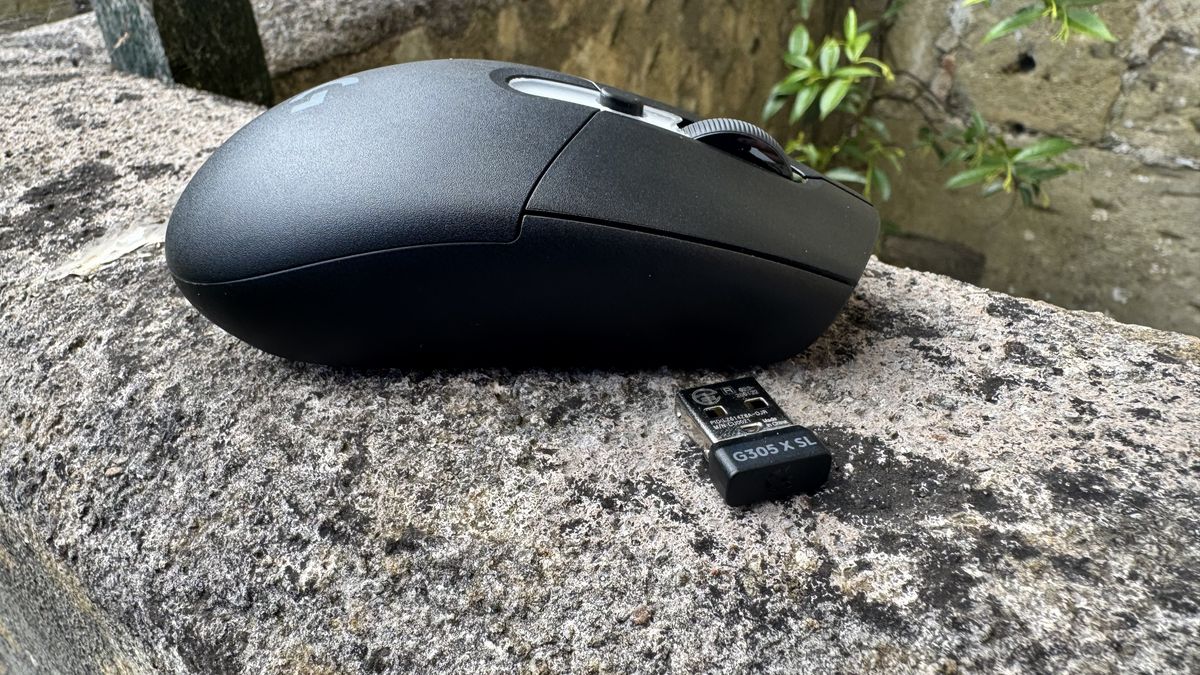
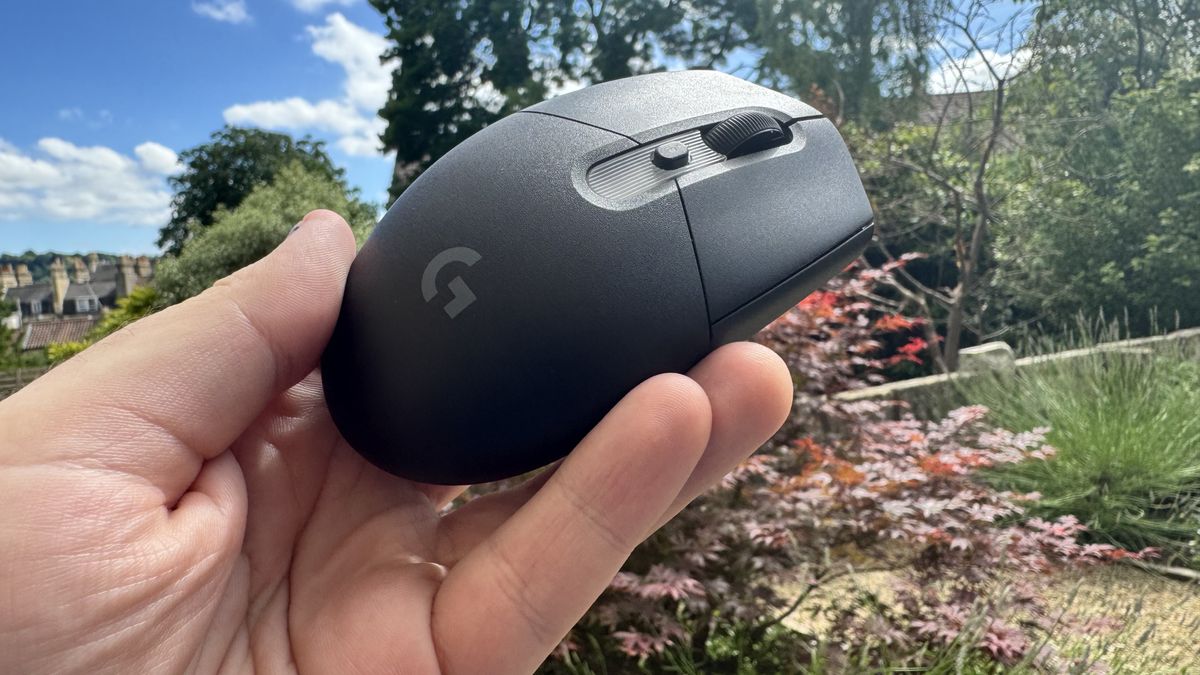
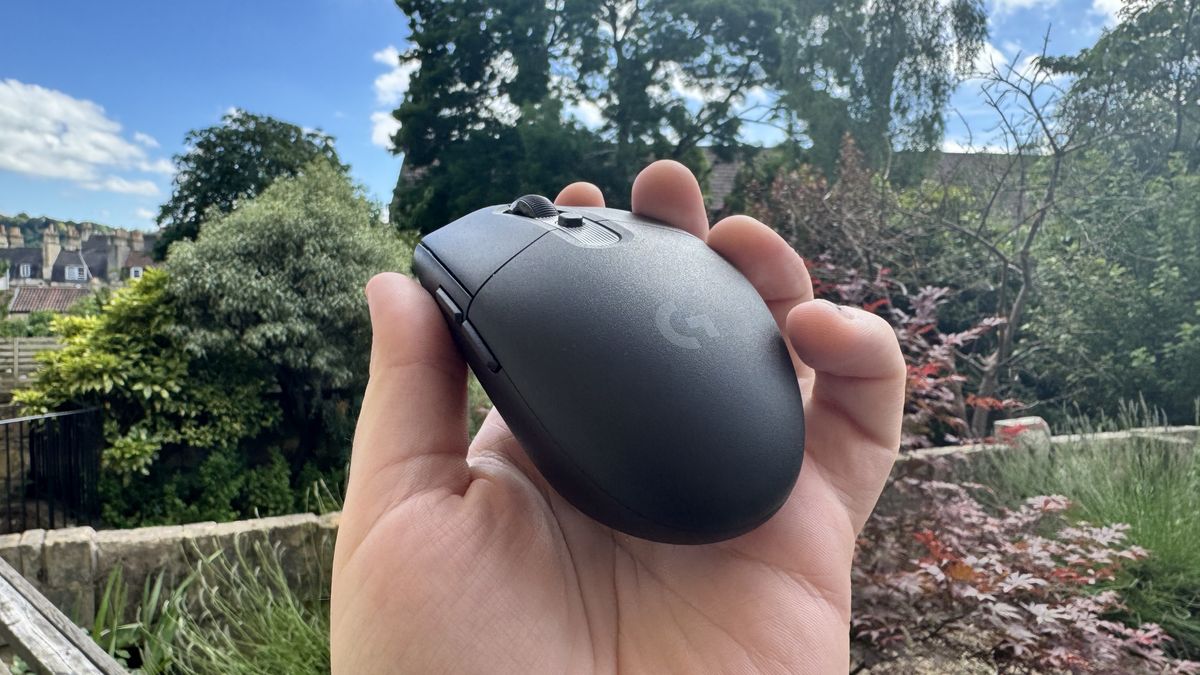
I almost never found myself double-clicking, though I think part of that is the comfortable shape. It’s a sturdy shell (get it? Because of the egg thing), and though it’s plastic, it’s certainly strong plastic. The round base means that I am often encouraged to squeeze the sides with the bottom of my palm. It’s a comforting hold that feels very natural in play. I’d say it’s better suited to small hands, thanks to its tiny frame, but I didn’t particularly mind it with my fairly big hands, either.
At just under 60 grams, it’s relatively light, though again, those skates just let it down somewhat. On a heavier frame, I can see the appeal of more catchy skates, but I really want the G305 X Superlight to feel breezy in use.
I didn’t realise until I’d swapped mice how much the skates impacted my enjoyment of the G305 X.
One thing I always try to test with gaming mice is Counter-Strike 2, as its short time to kill makes precise, quick aiming so important. For the most part, the G305 X performs admirably here. The sensor never cut out, and shots are easy to make.
The G305 X’s specs are almost approaching competitive esports level, and that’s certainly nice to have at this price point, though there will always be some compromises. For instance, moving from it to my daily driver, the 8BitDo Retro R8, it has a better sensor but worse polling, and the R8’s skates gave me instant relief when I swapped. And the R8 does all of this, with an included charging dock and great aesthetics, for $30 less. I didn’t realise until I’d swapped mice how much the skates impacted my enjoyment of the G305 X.
Image 1 of 2
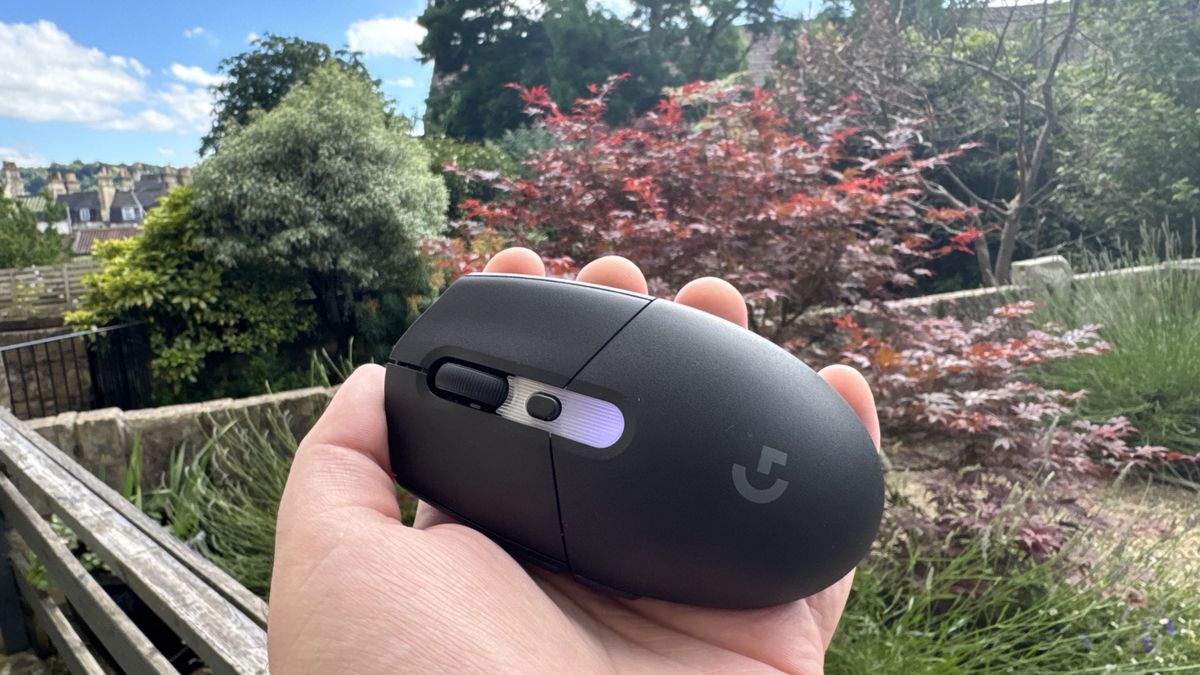
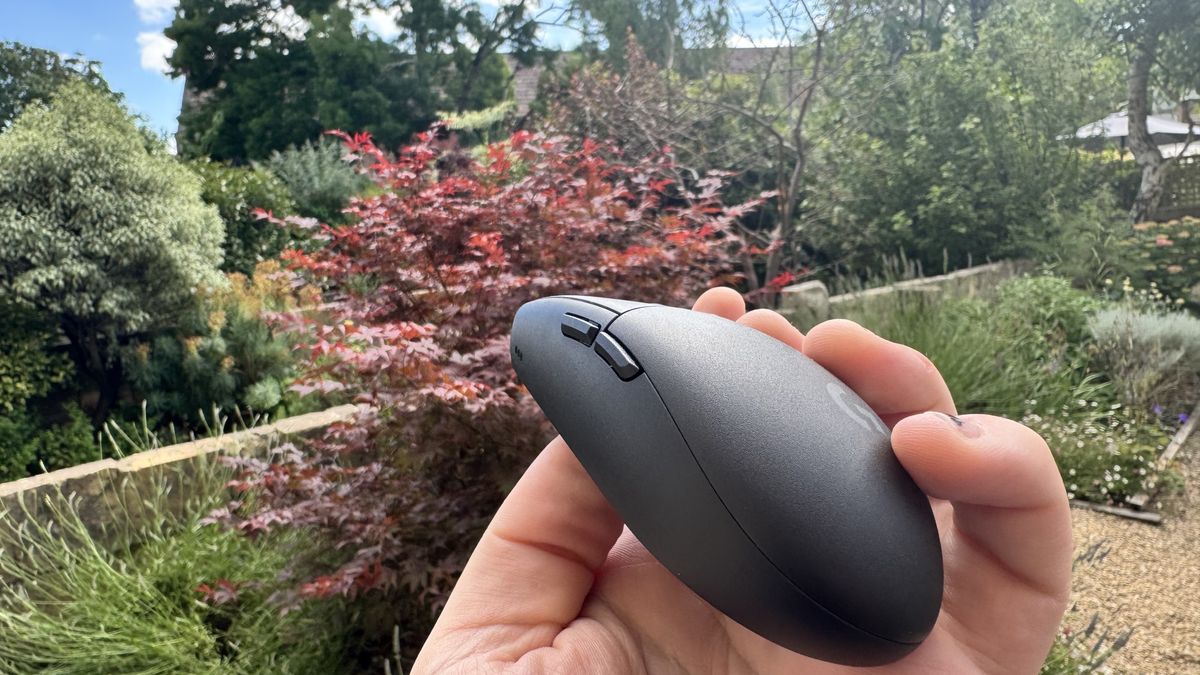
The G305 X is impressive in more than one way, though. Its 35-hour battery life is certainly quite strong. It’s also the type of mouse you can just throw in a bag and bring places. I know, as I’ve done that. It’s sturdy, light, small and comes with a small compartment on the bottom for the 2.4 GHz connector. This means it’s a very neat little package.
And that package is partly so neat because of its subdued aesthetic. I’ve had my hands on the black one, and outside of the RGB strip at the top, it’s all very understated. It looks clean on a desk and doesn’t distract much from the screen. Its rounded base is not only comfortable but looks neat too.
Buy if…
✅ You simply want the G305 but better: This is a very similar mouse, with slightly different RGB, an upgraded sensor, and a battery for wired charging
Don’t buy if…
❌ You want a budget egg-shaped mouse. The Mchose G3 V2 offers a very similar shape and smoother skates for half the price tag.
But Logitech aren’t even the only one doing that egg shape anymore. I recently had the chance to test out the rather impressive Mchose G3 V2, which comes in at less than half the price, and honestly, I’d be picking that instead if it were my cash. The 12,000 DPI in the G3 V2 is lower, but you get the same base polling, a stronger battery life, the exact same weight, and its Omron mechanical switches are very pleasant too.
That’s before mentioning the G3 V2 Pro, which is around ten dollars more than the standard G3V2, comes with an upgraded sensor, and packs a 26,000 max DPI. Mchose’s mouse feet are also substantially better, to me.
The G305 X Superlight does seem like a noticeable improvement over the standard G305 on paper, and in practice, it’s a solid mid-range device with strong stats, a solid feel, and a clean look. However, the G305 has partly stood the test of time because you’d always find it on sale, and thanks to a price bump, the G305 X doesn’t actually feel like a no-brainer upgrade, especially when the market is more vibrant, varied, and interesting than ever before.

Best gaming mouse 2026